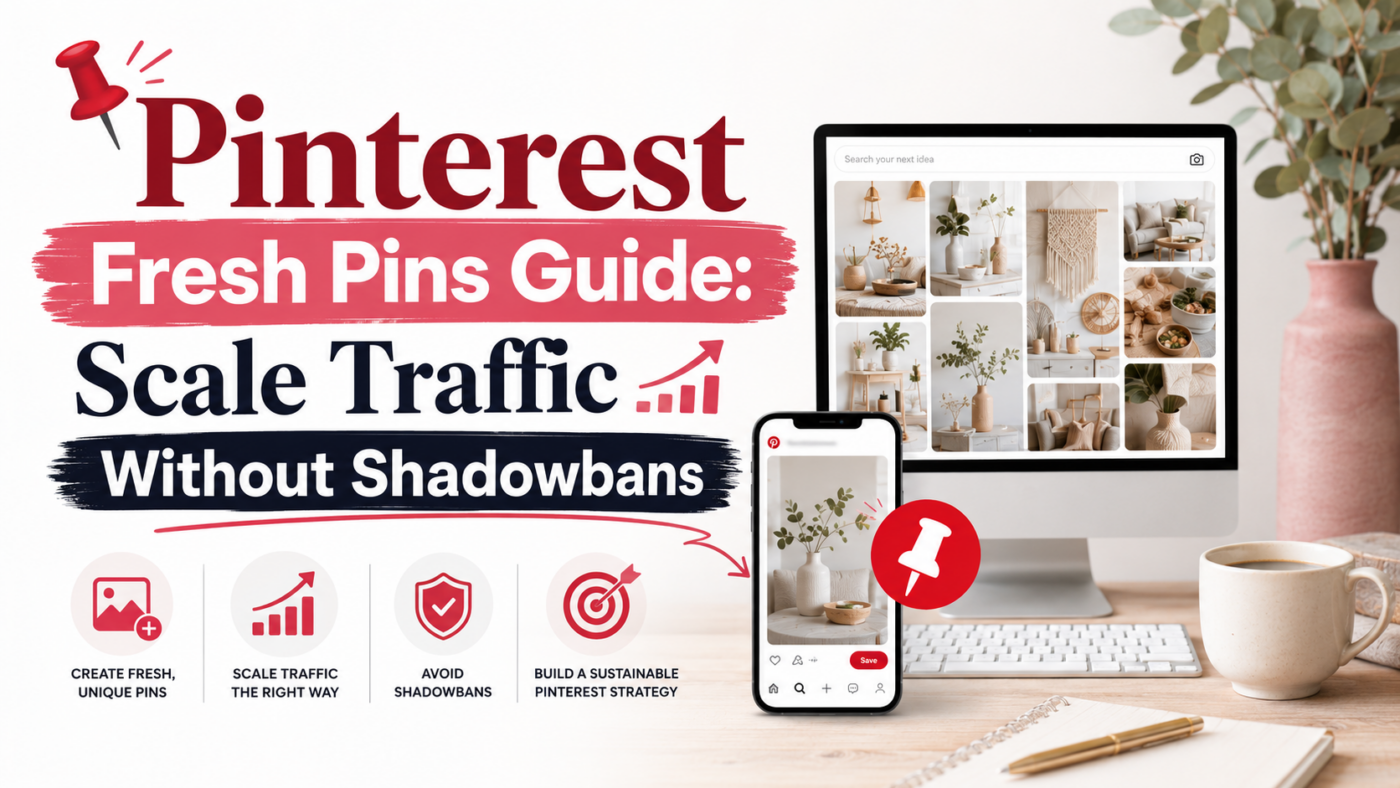
10 Reasons Pinalofy is the Premier Marketing Tool: The Ultimate Guide to Pinterest Automation

If you treat Pinterest like a traditional social media platform, you are already losing. Pinterest is not a social network; it is a visual discovery engine. People do not go to Pinterest to connect with friends; they go there to plan their future, discover new products, and find solutions to their problems. Because it operates as a search engine, the Pinterest algorithm is ruthless.
It demands two things to grant your account high visibility: hyper-relevant SEO optimization and a constant, unwavering stream of high-quality “Fresh Content”. In the past, marketers tried to game the system by repinning the same image hundreds of times. Today, the algorithm actively penalizes this behavior, identifying it as spam. You need fresh images, fresh titles, and fresh descriptions every single day.
Achieving this manually leads to immediate creator burnout. On the other hand, relying on generic, shared automation tools often results in catastrophic shadowbans. Enter Pinalofy. We engineered a multi-tenant, BYOK (Bring Your Own Key) web application designed specifically to bridge the gap between your website and the Pinterest algorithm safely.
Here are 10 reasons why Pinalofy is the ultimate AI Pinterest Marketing Tool, and how it helps you master the platform’s best practices.
1. The “Fresh Content” Mandate vs. The Smart URL Scraper
The Pinterest Best Practice: Pinterest defines a “Fresh Pin” as an image or video that the platform has never seen before. Simply changing the text on an old image is no longer enough; the pixel data must be new. The algorithm heavily prioritizes fresh pins in user feeds.
The Pinalofy Solution: Designing dozens of brand-new graphics from scratch every day is unsustainable. Pinalofy solves this with our Smart URL Scraper. You simply paste a link from your blog, e-commerce store, or affiliate site. The engine instantly extracts your media and structures it into up to 10 entirely unique Pin variations in seconds. You feed the algorithm exactly the fresh visual data it craves, with zero manual design labor.
2. Semantic Search Engine SEO vs. The AI Ghostwriter
The Pinterest Best Practice: Pinterest’s visual AI reads everything. It reads the text overlay on your image, your Pin Title, and your Pin Description to understand the context of your content. Without precise, long-tail keywords, your Pins will never rank in search results.
The Pinalofy Solution: Writing metadata for a massive volume of pins causes severe writer’s block. Pinalofy features a built-in AI SEO Ghostwriter tailored for Pinterest search intent. The AI analyzes your source URL and generates 100% unique, keyword-rich titles and descriptions for every single Pin variation generated in a batch. No duplicate content, no keyword stuffing—just pure, ranking-focused SEO.
3. Visual Brand Recall vs. The Personal Template Graphic
The Pinterest Best Practice: In a sea of endless scrolling, users click on what they recognize. Brand consistency builds trust, and trust drastically increases your Click-Through Rate (CTR).
The Pinalofy Solution: While we offer 14+ highly optimized default layouts, true professionals want to maintain their unique visual identity. With our Personal Template Graphic feature, you can upload your own custom backgrounds created in Photoshop or Canva. Pinalofy’s AI acts as an intelligent layer, automatically injecting the SEO text into your designated placeholders. You maintain your bespoke brand aesthetic while enjoying the speed of full AI automation.
4. Shadowban Prevention vs. BYOK Architecture
The Pinterest Best Practice: Pinterest actively hunts down bot networks and spam rings. If you use a cheap, shared third-party scheduling app, you share an IP and API bridge with thousands of other users. If one user violates Pinterest’s terms, the entire server can be flagged, causing a “shared shadowban” that destroys your reach.
The Pinalofy Solution: Pinalofy pioneered the BYOK (Bring Your Own Key) architecture for Pinterest marketing. To automate your posting, you connect your personal Pinterest Standard App. You are the only one using this connection. This isolated, private bridge guarantees maximum account safety, rendering shared shadowbans mathematically impossible.
5. Native Algorithm Preferences vs. Bulk CSV Export
The Pinterest Best Practice: Within the SEO community, data suggests that social media algorithms often give a slight organic boost to content published “natively” through their own platform tools, rather than content pushed via external APIs.
The Pinalofy Solution: We adapt to your level of paranoia and strategy. If you prefer not to use our API auto-scheduler, Pinalofy offers a flawless Bulk CSV Export. You can generate weeks of content and download a perfectly formatted CSV file containing all your images, titles, and descriptions. Simply drop it into your Pinterest Business account’s native “Bulk Create” tool for the ultimate, risk-free native upload.
6. Loading Speed & Asset Ownership vs. ImageKit Cloud
The Pinterest Best Practice: Pins with broken links or images hosted on slow, unresponsive servers degrade the user experience, negatively impacting your overall Domain Quality Score on Pinterest.
The Pinalofy Solution: Unlike other SaaS platforms that hold your media hostage on their shared servers, Pinalofy empowers you to own your infrastructure. You connect your free ImageKit.io account to Pinalofy. All your generated Pins and brand assets are physically stored on your private, ultra-fast CDN. You maintain 100% ownership of your digital assets, ensuring lightning-fast delivery to Pinterest.
7. Audience Psychology vs. Content Strategy Selection
The Pinterest Best Practice: Not all users engage with the same psychological triggers. Some users click on direct commands, while others engage more with emotional questions, listicles, or inspirational quotes.
The Pinalofy Solution: Pinalofy goes beyond standard text generation. Within the editor, you can assign a specific Content Strategy to every text placeholder. You can instruct the AI to write a “Question/Hook” to stop the scroll, a “Quote Style” for inspirational boards, or a hard “Call to Action” to drive immediate sales. This allows you to effortlessly A/B test different copywriting angles for the exact same product.
8. Topical Authority vs. Isolated Workspaces
The Pinterest Best Practice: Pinterest maps the “Topical Authority” of your account. If you mix travel content, tech gadgets, and fitness tips on the same profile or tool, the algorithm struggles to categorize you, resulting in lower distribution.
The Pinalofy Solution: Built for digital marketing agencies and serial bloggers, Pinalofy features a Multi-tenant architecture. You can manage different websites and client accounts in completely Isolated Workspaces. Each workspace operates independently with its own timezone, URL library, custom brand palette, and ImageKit storage. Data never overlaps, ensuring your topical authority remains laser-focused.
9. Algorithmic Consistency vs. The Smart Visual Scheduler
The Pinterest Best Practice: Publishing 50 Pins on a Sunday and nothing for the rest of the week is a fatal strategy. The algorithm rewards accounts that provide a steady, daily stream of fresh content (drip-feeding).
The Pinalofy Solution: Consistency shouldn’t mean logging in every day. Using Pinalofy’s Smart Visual Calendar, you can set your publishing intervals (e.g., publish one Pin every 3 hours) and let the system securely auto-publish via your Standard App. Set it up once a month, close the tab, and watch your analytics grow on autopilot.
10. True Scalability vs. Hardcoded Brand Assets
The Pinterest Best Practice: To scale your traffic, you must increase your output volume without letting your visual standards drop. Repetitive manual editing is the enemy of scale.
The Pinalofy Solution: Pinalofy acts as your digital asset manager. Upload your brand logos, custom arrows, and CTA buttons to your Workspace Media Library. Once uploaded, you can “hardcode” them into your template blueprints. Every time you generate a new batch of Pins from a URL, your brand assets will automatically populate exactly where you want them. Scaling your output has never looked this professional.
Top 10 F.A.Q.
How often should you post on Pinterest to see results?
Consistency is much more important than volume. Rather than posting 50 Pins on a single day, it is better to schedule 10 to 20 Pins consistently throughout the week. Using Pinalofy’s Smart Scheduler helps you automate this process by drip-feeding your Pins at optimal times without triggering spam filters.
Does Pinterest penalize AI-generated Pin descriptions and titles?
No, Pinterest does not penalize AI content; it penalizes low-quality spam. The Pinterest algorithm is a search engine that relies heavily on context-rich metadata. Pinalofy’s AI Ghostwriter analyzes your source URL to write highly relevant, unique, and SEO-optimized titles and descriptions, helping you rank safely.
Can I use multiple Pins for a single website link?
Yes, and you absolutely should. Creating multiple unique visual variations (Fresh Pins) for the same URL is a primary Pinterest best practice. Pinalofy’s Bulk Generator allows you to instantly create up to 10 unique designs and distinct SEO descriptions for a single link to maximize your reach.
Why is a BYOK (Bring Your Own Key) architecture safer for my Pinterest account?
Traditional tools share a single, massive API connection among thousands of users. If some users spam, Pinterest might shadowban the entire app. With Pinalofy’s BYOK architecture, you connect your personal Pinterest Standard App, completely isolating your account’s reputation from other users’ behavior.
Is a Pinterest Business account required to bulk upload CSV files?
Yes, Pinterest’s native bulk-upload feature is exclusively available for Pinterest Business accounts. With Pinalofy, you can export your scheduled Pins into a perfectly formatted, standard CSV file and drop it directly into your Business dashboard for 100% safe, native publishing.
What is the optimal image size and format for Pinterest Pins?
Pinterest is a vertical-first engine that recommends a 2:3 aspect ratio, with 1000 x 1500 pixels being the golden standard. Pinalofy’s 14+ layouts are engineered exactly with these specifications, allowing you to use high-quality JPG, PNG, or SVG assets from your private ImageKit cloud.
How do I maintain my brand’s visual identity with automated tools?
Many automated tools make your Pins look generic. Pinalofy solves this with the “Personal Template Graphic” feature, allowing you to upload your own Canva or Photoshop designs. Our AI then overlays your dynamic SEO text, keeping your brand identity perfectly consistent.
How does the Pinterest search engine index Pin descriptions?
Pinterest’s visual lens and text crawlers read your titles, descriptions, and image overlays. To rank, you must use relevant search keywords naturally. Pinalofy’s AI is pre-trained on Pinterest search best practices to ensure your metadata is structurally optimized for maximum discoverability.
Can I manage multiple niche websites on a single Pinterest tool?
Yes, but you must keep them separated to preserve your topical authority. Pinalofy’s multi-tenant system offers isolated Workspaces. Each workspace has its own brand palette, target timezone, URL library, and ImageKit storage, preventing cross-contamination of niche data.
How long does it take to get traffic from a new Pinterest strategy?
Unlike social media, Pinterest is a search engine where content is evergreen. While some Pins can take weeks or months to gain traction, they can drive traffic for years. Consistently pinning daily using Pinalofy’s scheduler ensures a steady build-up of search authority.